
Before you submit a link
Picking a Seller
How to pick a seller worth ordering from: the catalogue shows you a card, but the seller behind that card is who actually ships the item, sets the size chart, and decides whether your return request is accepted.
Reading past the title
What a listing's title hides
Catalogue cards pull their title straight from the listing, and sellers write listing titles for marketplace search, not for clarity — a size code or factory name can stand in for a plain description. Before submitting anything through Lolobuy, open the original listing and read past the title: the seller's own photos, the specification menu, and any small-print notes about packaging or returns.
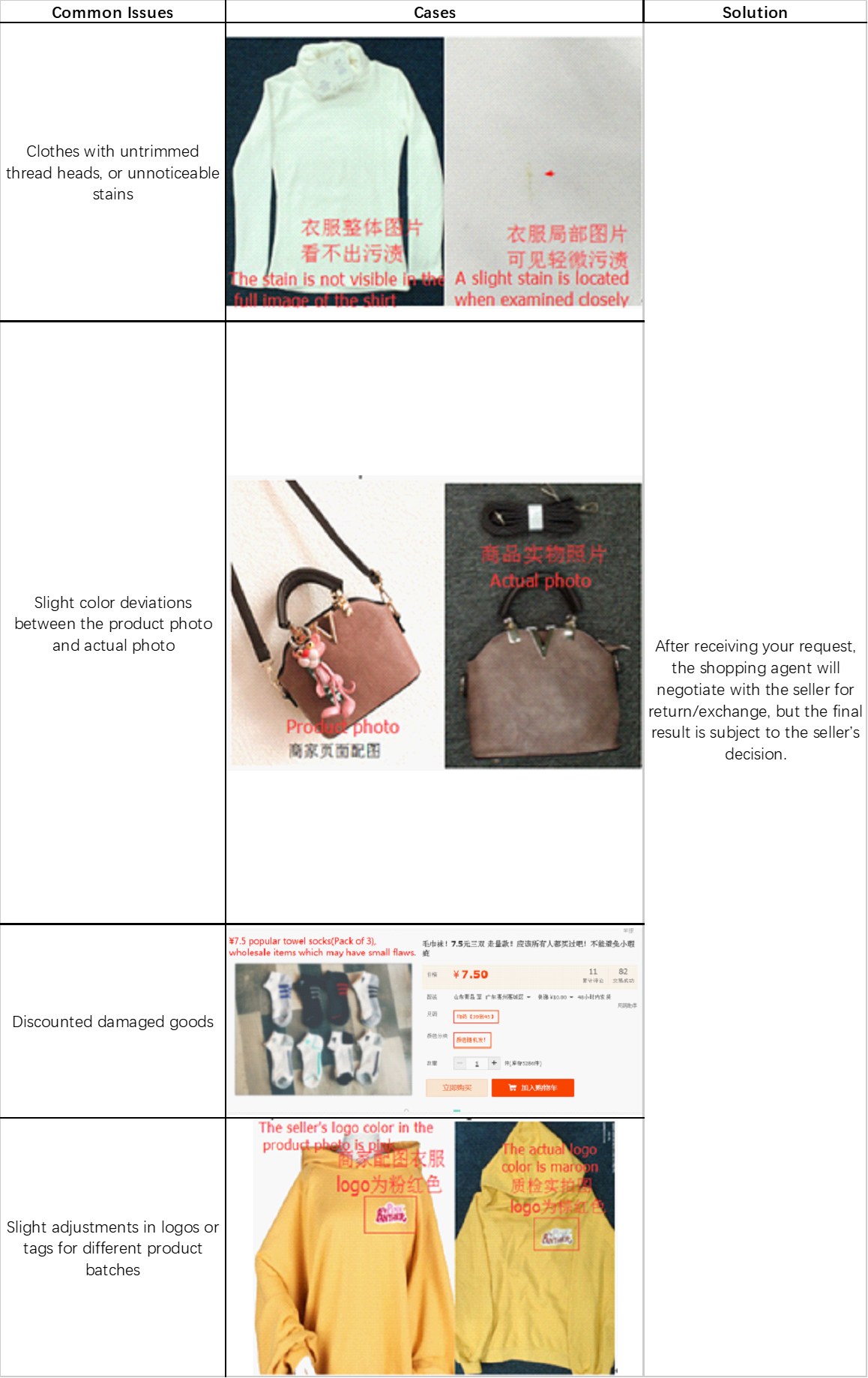
Lolobuy's own documented defect cases are a useful checklist here — a stain invisible in a wide shot but visible close up, a colour that shifts between the listing photo and the real item, small print disclosing the stock is discounted because of minor flaws, and a logo colour that does not match between the seller's photo and an inspection photo. None of these are hypothetical; they are the specific examples Lolobuy's help centre uses to explain its own QC process.
Menus and tags
Two more places sellers bury detail
Specification menus hide decisions too
A seller's own specification menu can bundle options that are not obvious from the product photo — a “gift” variant that adds restricted-item weight, a customisation field that commits you to extra turnaround time, or a size chart that uses a different measurement system than the one shown on the catalogue card. Read the specification menu on the original listing, not just the card, before you confirm quantity and size.
Tags are a fast sanity check
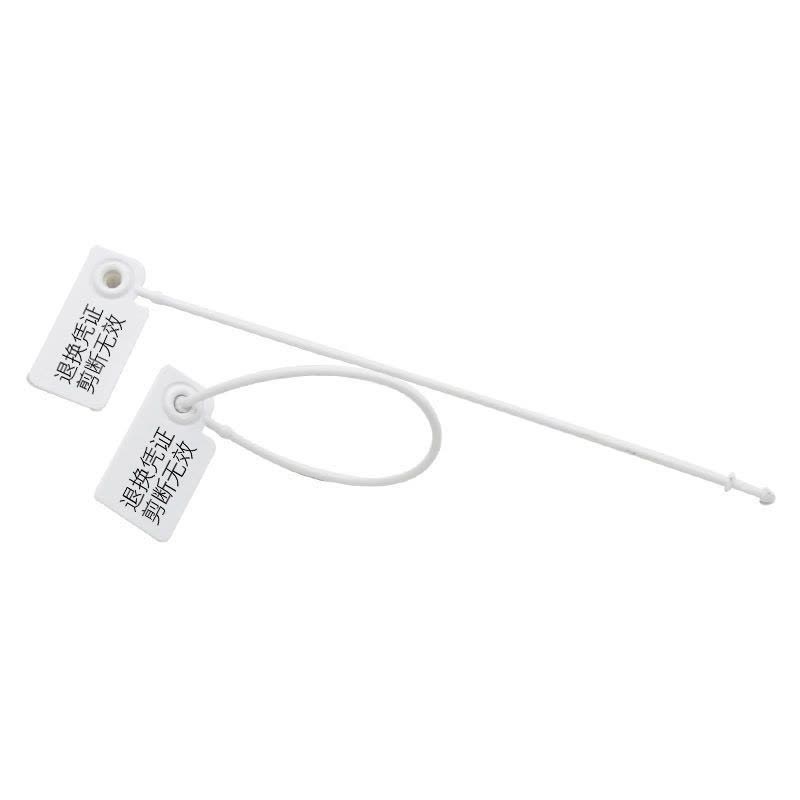
A garment's own hang tag or sewn-in label, visible in a seller's or an inspector's photo, usually states a brand or size code plainly. If the tag in a QC photo does not match what the listing claimed, that is worth raising before the item ships onward, not after.
Two more checks
Price gaps and unresponsive sellers
Picking the right listing: price gaps between near-identical items
Judging a listing before you commit means not stopping at the thumbnail. Two listings for what looks like the same item at different prices usually differ in something the photo does not show — material grade, a smaller included accessory set, or a flaw disclosure buried in the description. Lolobuy's own defect-handling examples include exactly this pattern: a product discounted explicitly because of minor flaws disclosed in the listing text. Deciding what to buy means opening both listings fully before assuming the cheaper one is simply a better deal.
What to do if a seller stops responding
Lolobuy acts as the intermediary once an order is placed, which means a slow or unresponsive seller does not leave you without recourse — it is Lolobuy's own support that negotiates return, exchange or compensation outcomes on your behalf per the policies covered on Choosing Well. The seller's responsiveness before you order is still worth weighing, though: a listing with a long history and visible order volume is generally a safer first pick than one with neither.